
What is important if I run a Instagram account? #
Your bio #
With a maximum of 150 characters, IG bios are brief.
Include important and relevant information. To describe your profession, you can use one of these therms:
- Adult Talent
- Porn Actress or Actor
- Art-Nude or Glam-Nude Model
Use emojis to make it visually appealing and quick to be captured by the eye.
Your links #
You sure have more than one link to share. Therefor we higly recommend to use one of these services to be able to provide links to all your social media and services like Onlyfans or ManyVids.
- Linktree (free and paid)
- shorby (paid, free is possible if after first subscription canceled, but then no editing possible until subscription is reactivated)
Profile picture #
DON’T EVER use a picture as your profile picture (round) which show any sexualised body parts! This will lead 100% to a suspended account!
You plan to post 18+ content? #
FORGET THIS IDEA if you want to have a IG account!
Avoid any adult/pornographic words! #
Instagram is using automated OCR (Text Recognition) for all descriptions and even the images you upload! Avoid any text which can be considered adult. Dont use words like porn, cock, penis, pussy, bitch, fucking, sex, or any similar!
Security #
- Use a password manager and use a strong password ONLY for your twitter account. This will prevent that your account gets hacked! We recommend either 1Password, LastPass or the free open source solution KeePassXC (make sure you have a backup solution like iCloud, Google Drive or Dropbox in place!!!)
- USE TWO FACTOR authentication
- Go to https://www.instagram.com/accounts/two_factor_authentication/
- We recommend to use a authenticator app and not the SMS text option as people called SIM swappers have proved to be able to order SIM cards from service providers and by that circumvent two factor authentication. If you use 1Password you are able to scan the resulting QR code and by that integrate the two factor directly into the password manager login. With this you also have a backup of your two factor as 1Password is using cloud backup.
What to avoid to not get suspended or banned #
1. Follow the rules #
The most important rules to not get banned:
- Photographic content: You will not be able to publish photos that contain naked, partially nude, pornographic or sexually suggestive photos.
- Do not follow or unfollow other account too often in a short time.
- Do not like other posts too often in a short time.
- Do not comment too often in a short time.
- Do not by follwers.
- Be careful in using third party apps which access IG!
- Since 08/2020 IG increased their checks: Now you might be asked for a copy of your ID, this can be triggered also by too many followers from another country!
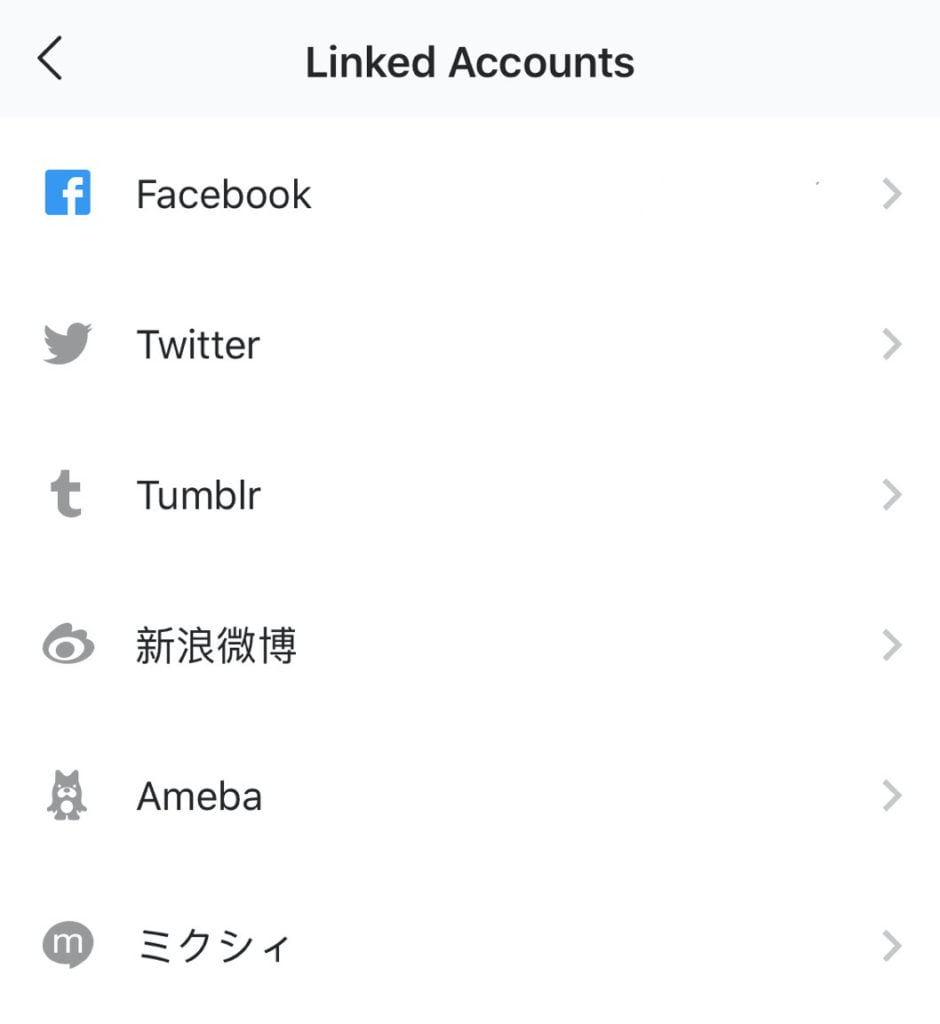
2. Linking Instagram with other social networks #
It is a good idea to link your Instagram account with your other social media account. In case Instagram considers your account suspicious, linking to other social networks would make you seems more legit.
To link Instagram with other social networks, do the following:
- Go to Settings
- Under Options, go into for Privacy and Security > Linked accounts.
- Link to as many social networks as possible.
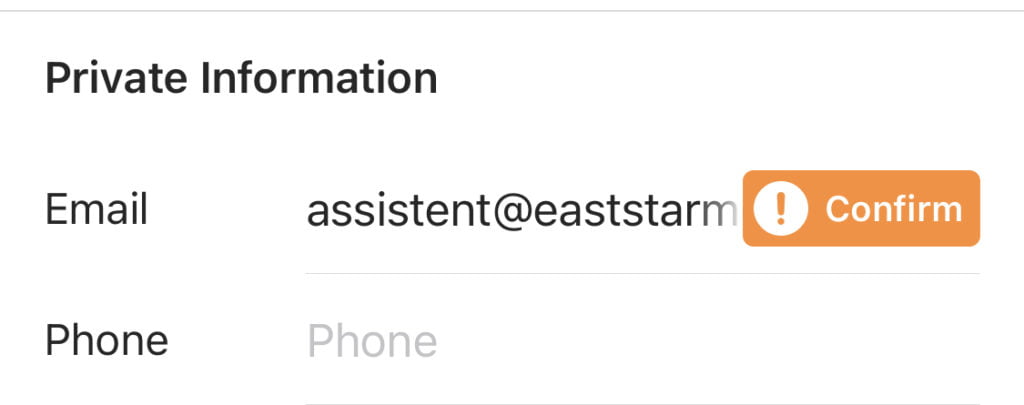
3. Confirm your phone number and email address #
Make your you did confirm your email address and that you did enter a valid phone number. This will make it for Instagram more likely that you are a human and not a robot.
4. Ban the haters! #
Maybe you did hear the story of Omid? Well, we recommend you do the following steps to get less trouble with crazy people who think porn will bring you to hell.
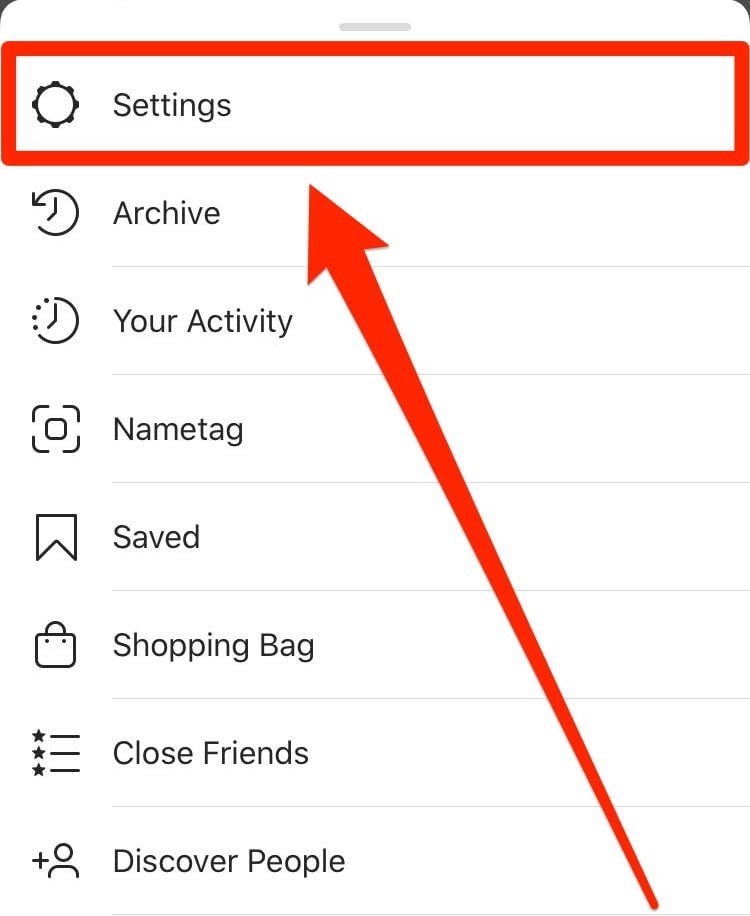
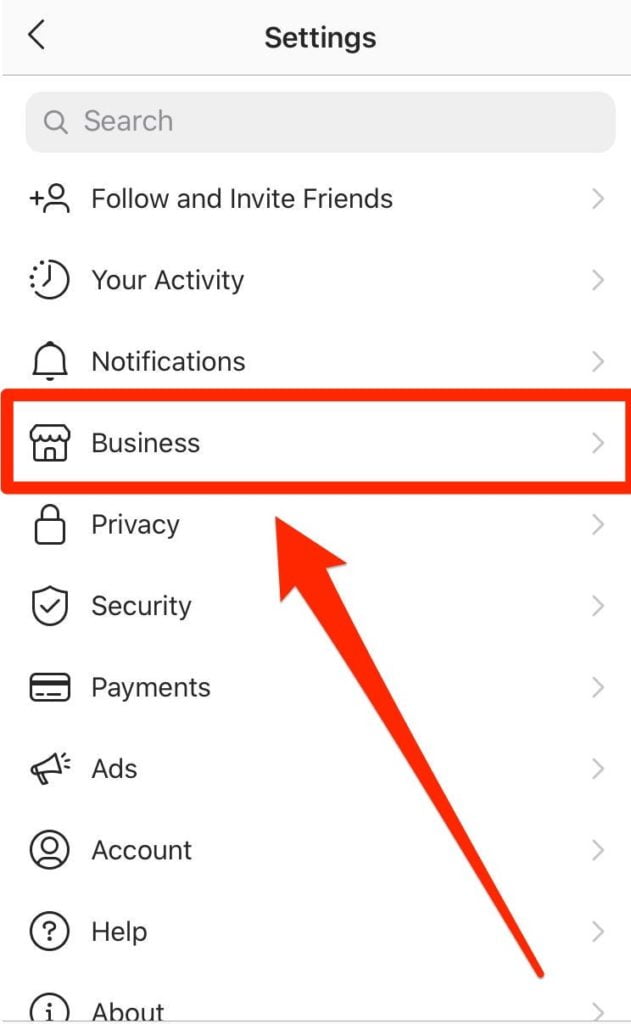
- Switch your Instagram account to either a Creator or Business account
- On the bottom of the page you will see the options to switch either to a Creator or Business account. Choose the Creator account.
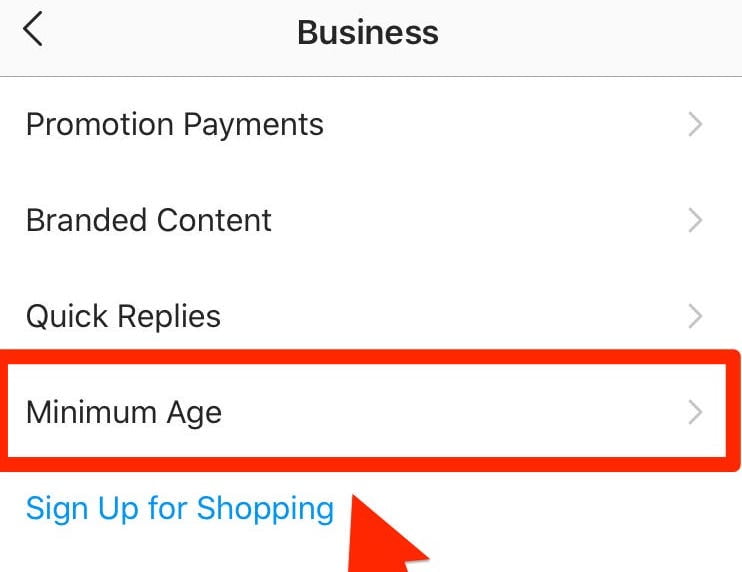
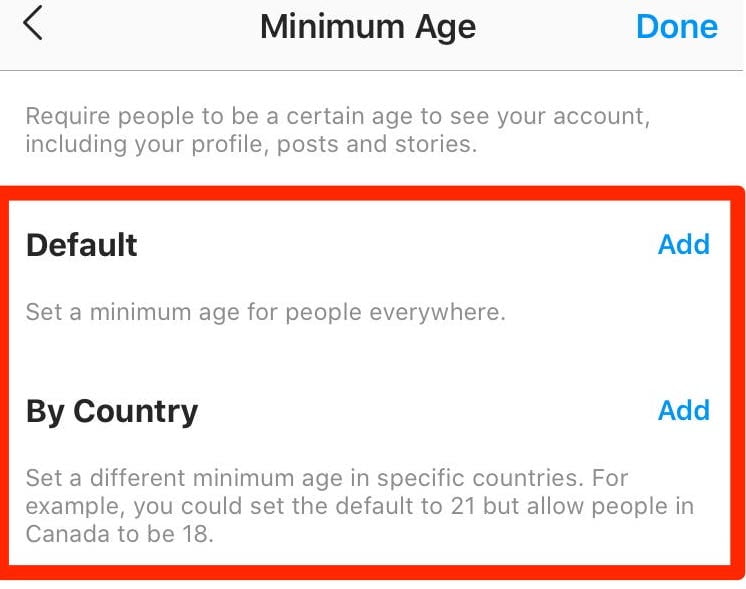
- We recommend you to set a age limit only for these countries:
- Afghanistan
- Iran
- Mauritania
- Oman
- Pakistan
- Saudi Arabia
- Yemen
- Egypt
- Iraq
- India
- Indonesia
- Turkey
- Kuwait
- Qatar
- United Arab Emirates
Set the age limit to 99 years!- Unfortunately Instagram since 04/2021 only accepts the maximum age limit of 25. Still use this option with the above countries as it lowers the risk for automated attacks on your profile by reporting your account over and over.
Create a backup account #
Be prepared! Create a backup account using a different username and email address. You can ask in the bio or in the posts/storys that your followers of account number one should follow your backup account too.